Homebrew Installation | Archive
3 min
1. 说明
主要是在 linux 下的非 root用户下安装。
因为防止
homebrew与Debian的包管理出现冲突。
安装其实不难,主要是解决网络拉取问题。
WARNING这里我用的都是基于
zsh的终端,注意与bash的区别!
2. 安装
2.1 前期准备
确保 linux 中已提前安装:
curlgit
2.2 安装过程
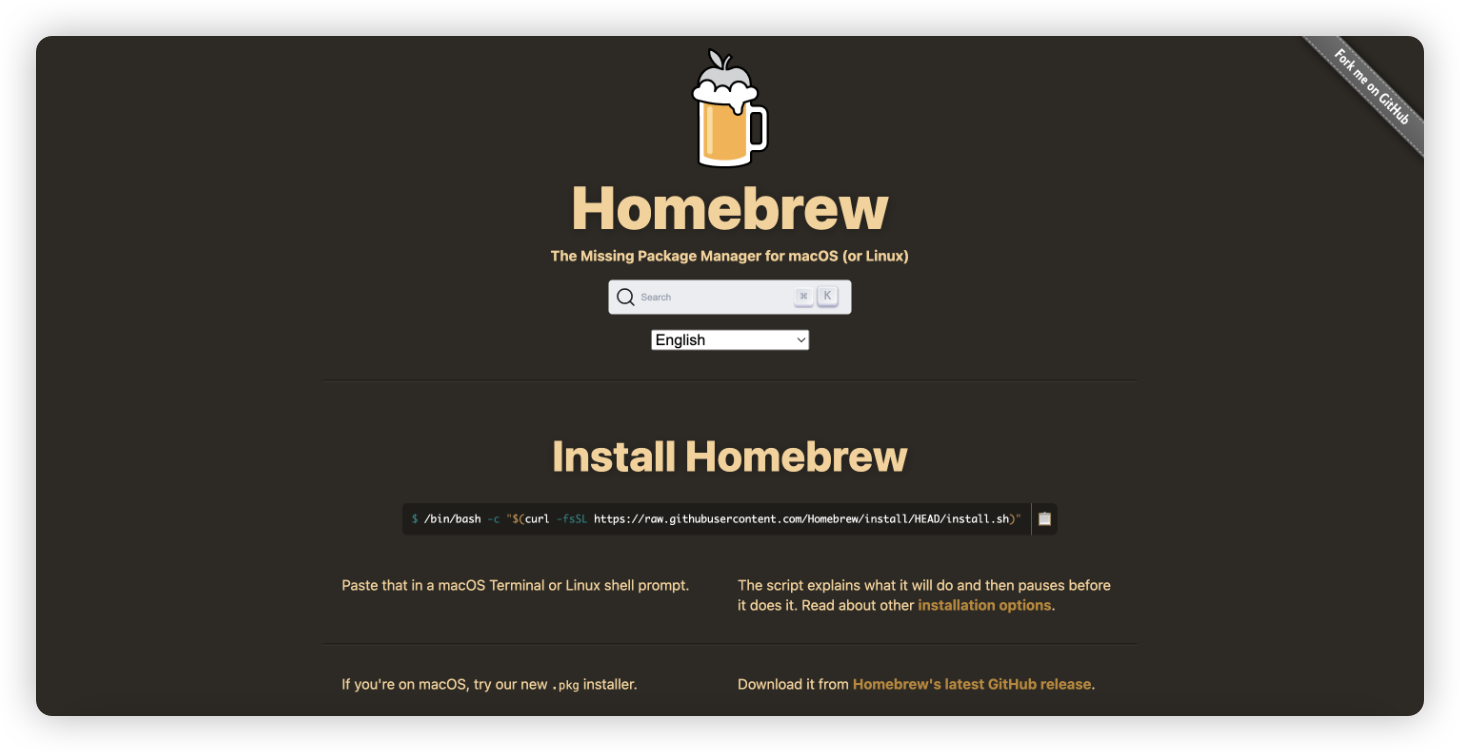
主要是参照清华镜像站官方文档进行,这里小小搬运一下。
2.2.1 设置临时环境变量
这里是在一次操作中,在终端输入以下命令用于设置临时变量. 后续有需要可以将其写入 ~/.zprofile 中.
export HOMEBREW_BREW_GIT_REMOTE="https://mirrors.tuna.tsinghua.edu.cn/git/homebrew/brew.git"
export HOMEBREW_CORE_GIT_REMOTE="https://mirrors.tuna.tsinghua.edu.cn/git/homebrew/homebrew-core.git"
export HOMEBREW_INSTALL_FROM_API=1
2.2.2 全局环境变量
I HOMEBREW_API_DOMAIN 与 HOMEBREW_BOTTLE_DOMAIN
该镜像是 Homebrew 二进制预编译包的镜像。
镜像站同时提供 Homebrew 的 formula 索引的镜像(
brew update时所更新内容),
前往 Homebrew bottles 镜像使用帮助中「临时替换」一节设置 HOMEBREW_API_DOMAIN 与 HOMEBREW_BOTTLE_DOMAIN. 后续有需要可以将其写入 ~/.zprofile 中.
export HOMEBREW_API_DOMAIN="https://mirrors.tuna.tsinghua.edu.cn/homebrew-bottles/api"
export HOMEBREW_BOTTLE_DOMAIN="https://mirrors.tuna.tsinghua.edu.cn/homebrew-bottles"
II HOMEBREW_PIP_INDEX_URL
本节主参考 Homebrew 帮助使用。
我这里直接设置在 ~/.zshrc 里面了.
export HOMEBREW_PIP_INDEX_URL="https://mirrors.tuna.tsinghua.edu.cn/pypi/web/simple"2.2.3 拉取镜像安装
在终端运行以下命令安装 Homebrew/Linuxbrew:
# 从镜像下载安装脚本并安装 Homebrew / Linuxbrew
git clone --depth=1 https://mirrors.tuna.tsinghua.edu.cn/git/homebrew/install.git brew-install
/bin/bash brew-install/install.sh
rm -rf brew-install
# 也可从 GitHub 获取官方安装脚本安装 Homebrew / Linuxbrew
/bin/bash -c "$(curl -fsSL https://github.com/Homebrew/install/raw/master/install.sh)"2.2.4 替换现有仓库上游
主要是设置 HOMEBREW_BREW_GIT_REMOTE 和 HOMEBREW_CORE_GIT_REMOTE,官方推荐写在 .zprofile,我这里直接写进 .zshrc 里面了:
# Set non-default Git remotes for Homebrew/brew and Homebrew/homebrew-core.
export HOMEBREW_BREW_GIT_REMOTE="https://mirrors.tuna.tsinghua.edu.cn/git/homebrew/brew.git"
export HOMEBREW_CORE_GIT_REMOTE="https://mirrors.tuna.tsinghua.edu.cn/git/homebrew/homebrew-core.git"
2.2.5 复原仓库上游(若需要)
# brew 程序本身,Homebrew / Linuxbrew 相同
unset HOMEBREW_API_DOMAIN
unset HOMEBREW_BREW_GIT_REMOTE
git -C "$(brew --repo)" remote set-url origin https://github.com/Homebrew/brew

# 以下针对 Linux 系统上的 Linuxbrew
unset HOMEBREW_API_DOMAIN
unset HOMEBREW_CORE_GIT_REMOTE
brew tap --custom-remote homebrew/core https://github.com/Homebrew/homebrew-core
brew tap --custom-remote homebrew/command-not-found https://github.com/Homebrew/homebrew-command-not-found

# 重新拉取远程
brew updateCAUTION注:重置回默认远程后,用户应该删除 shell 的 profile 设置中的环境变量
HOMEBREW_BREW_GIT_REMOTE和HOMEBREW_CORE_GIT_REMOTE以免运行
brew update时远程再次被更换。
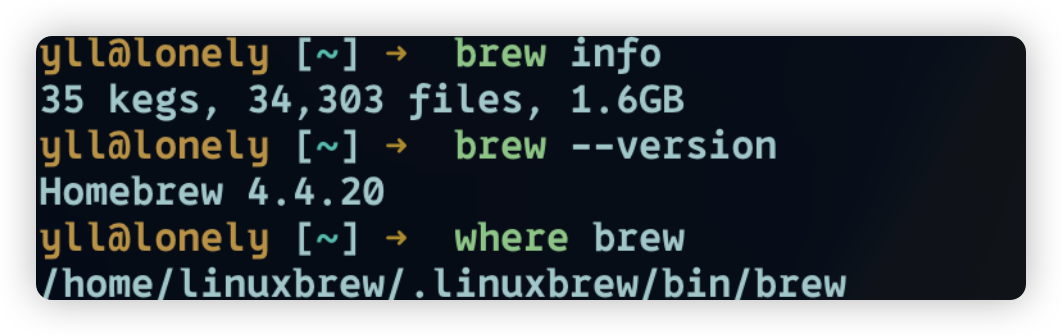
2.3 最终效果